


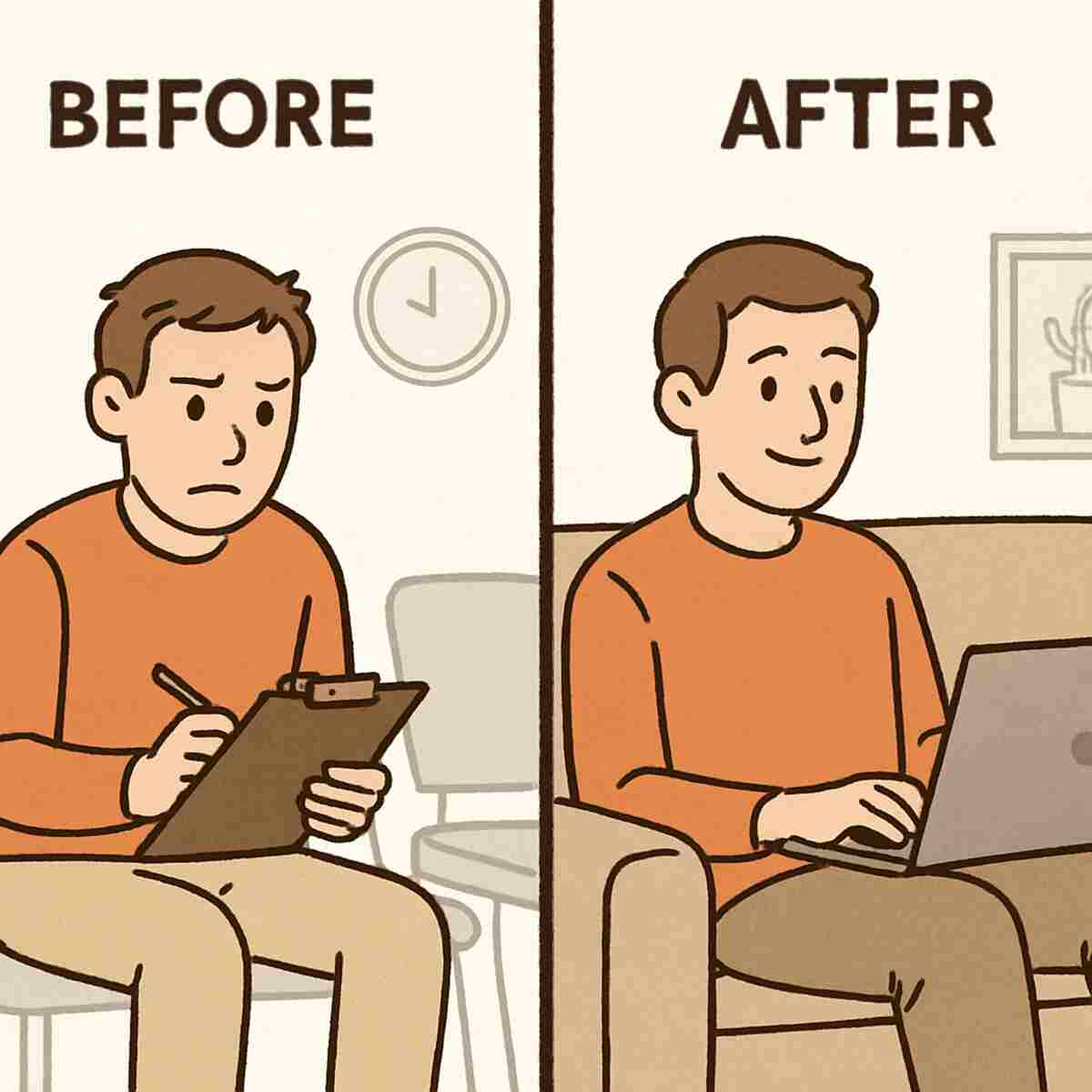
You arrive at your doctor’s appointment 15 minutes early, just as they asked. What’s the first thing they hand you? A clipboard with six pages of questions you’re sure you’ve answered before. By the time you see the doctor, a third of your appointment is spent just explaining why you’re there. What if that whole process could happen before you ever left your house, making your actual visit 100% focused on solutions? To know more, check out https://www.domontconsulting.com/pages/about
This better way has a formal, technical name: online pre-consulting diagnostics. But let’s call it what it really is: a smart intake form. Think of it like a digital clipboard you fill out on your own time, from your couch. It’s an online questionnaire that asks for key information before your appointment so the professional is already up to speed when you meet, whether it’s a doctor, a financial advisor, or a contractor.
Why does this matter? According to common knowledge in practice management, the first 10 to 15 minutes of a typical consultation are spent on basic background questions. A process like virtual patient intake gives you that time back. Instead of paying an expert to listen to you explain the basics, your appointment starts with them already understanding your situation, ready to dive into analysis and answers.
These forms are not a chore; they are an opportunity. Seeing one in your inbox is a sign that your professional values your time and wants to deliver a better outcome. The real benefits of online pre-consulting diagnostics go beyond saving a few minutes—they create a more focused, effective, and valuable consultation for you.
What Is a “Smart Intake Form,” and How Is It Different From a Clipboard?
At its simplest, a smart intake form is a digital version of the classic clipboard you get in a waiting room. You fill it out on your own time, from your phone or computer, before you ever leave the house. But unlike its paper counterpart, this isn’t just a static list of questions. It’s an intelligent tool designed to make your actual appointment far more effective.
The key difference is how it responds to you. A paper form asks everyone the same generic questions. A smart form, however, asks follow-up questions based on your specific answers. For example, if you’re filling one out for a doctor and mention “headaches,” the form might then ask about their frequency and location. It digs deeper where it counts, just like a real person would, gathering the important details from the start.
This isn’t just about saving you the hassle of writing. The primary goal of these forms is to prepare the professional for your conversation. Whether it’s a doctor reviewing your symptoms, a financial advisor understanding your goals, or a contractor seeing your project details, they can walk into the meeting already up to speed. They’ve done their homework on you.
A smart form transforms administrative time into valuable problem-solving time. Instead of spending the first third of your appointment just explaining your situation, your consultation begins with the expert already focused on a solution. This fundamental shift doesn’t just improve the quality of your meeting; it directly gives you back your most valuable asset: your time.
The #1 Benefit: How Smart Forms Give You Back 20 Minutes of Your Life
Ever feel like you’re paying a top-tier professional just to listen to you explain the basics? The most powerful advantage of a smart intake form is that it fundamentally changes this dynamic. By investing ten minutes to provide details beforehand, you buy back the first 15 to 20 minutes of your actual appointment—time that is often spent on background questions instead of solutions.
This reclaimed time makes every minute of your consultation count. Imagine a typical 30-minute telehealth visit. The difference is stark and is a key component of any good virtual consultation preparation guide.
- BEFORE (No Smart Form):
- 10 mins: Explaining your symptoms from scratch.
- 5 mins: Answering follow-up questions about your history.
- 15 mins: For actual diagnosis, planning, and your questions.
- AFTER (With a Smart Form):
- 2 mins: Quickly confirming the key details you already submitted.
- 28 mins: For in-depth diagnosis, exploring treatment options, and a thorough Q&A.
This efficiency isn’t just about skipping steps. It allows the professional to review your information before your meeting starts, letting them connect the dots and come prepared with initial thoughts. This is how you improve communication with your doctor or advisor; the conversation starts on page five, not page one.
A well-prepared professional can often provide a clearer answer in a single, focused session. This means you might avoid the cost and hassle of a follow-up appointment just to clarify details that could have been handled from the start. But saving time is only half the story; the quality of the advice you receive also gets a major upgrade.
From Vague Symptoms to a Clearer Diagnosis: The Quality Advantage
Beyond saving time, the single biggest benefit of providing information beforehand is the dramatic increase in the quality of the outcome. Have you ever left an important meeting, only to remember a key detail you forgot to mention? Filling out a smart form acts as a personal guide, helping you organize your thoughts. It transforms a vague feeling of “something’s wrong” into a clear, factual account, which is one of the most effective tools for describing symptoms to a doctor.
This clear, written information is often more accurate than what we can recall under pressure. A detailed patient history summary for doctors or a project brief for a contractor, submitted in advance, gives the professional precise details they can analyze without the pressure of a ticking clock. They can review your notes, spot connections between seemingly unrelated facts, and start forming a more complete picture of your situation before you even speak.
A truly prepared professional uses this head start for more than just reading; they use it for preliminary research. For anyone wondering how to prepare for a telehealth visit, this is a critical step. If you mention a specific medication side effect or a unique goal for your financial plan, they have the chance to investigate it before your meeting. They arrive ready with informed questions and potential solutions, rather than having to say, “Let me look into that and get back to you.”
The result is a consultation that isn’t just faster, but fundamentally smarter. The advice you receive is more personalized and accurate because it’s based on thoughtful data, not just a hurried conversation. But you might be wondering if a generic online symptom checker could do the same thing. While they seem similar on the surface, the purpose and power of your doctor’s smart form are in a completely different league.
Online Symptom Checker vs. Your Doctor’s Smart Form: Why They Are Not the Same
It’s a common question: if I can just plug my symptoms into a website, why bother filling out a detailed form for my doctor? While they both ask questions, their purpose and power are worlds apart. Using a public symptom checker is like shouting into a crowded stadium; you get a generic echo of possibilities that can often create more anxiety than clarity. Many people wonder if online symptom checkers are accurate, and the answer is that they are built for public information, not personal diagnosis.
The most important difference is where your information goes. Data entered into a public symptom checker is anonymous and goes nowhere—it’s a one-way street. In contrast, the smart form from your provider’s office is a secure, private channel directly to your care team. The information you provide becomes part of your official medical record, giving your doctor a reliable history they can use for all future care. It stops being a vague exercise in AI symptom checker vs self-diagnosis and becomes a real clinical interaction.
Think of it this way: a symptom checker is a public library of medical facts, while your doctor’s smart form is the first chapter of your personal health story, written by you for your doctor to read. The public tool gives you a list of what could be wrong. The private form, on the other hand, is one of the best preliminary health screening tools because it helps your trusted professional figure out what is wrong. This direct, secure connection is powerful, which naturally raises the question of privacy.
Is My Medical Information Safe Online? A Simple Guide to Confidentiality
It’s completely normal to pause before typing personal health details into a web browser. The good news is that when it comes to your doctor’s office, the same strict privacy laws that protect your paper records also apply to their digital ones. In the United States, this legal framework is known as HIPAA, and it requires healthcare providers to keep your information confidential and secure, no matter the format.
Beyond the legal rules, you can look for technical signs of safety yourself. Before entering any information, check the address bar in your web browser. A secure website will start with “https://” (that extra ‘s’ stands for secure) and show a small lock icon. This digital lock means the connection between your computer and the provider’s system is encrypted, turning your data into a secret code that’s unreadable to anyone trying to snoop.
This secure process is very different from simply emailing your health concerns. Email is often not encrypted and can be like sending a postcard—easily intercepted and read. A legitimate digital health assessment before appointment will always be conducted through a secure patient portal or a dedicated, locked form. Your doctor’s office invests in this technology specifically to uphold the confidentiality of online medical forms.
So when you receive a link to one of these official forms, which are often part of a telemedicine preparation checklist, you can feel confident that your privacy is a top priority. Knowing your information is protected allows you to focus on the real goal: providing clear, detailed answers. But what’s the best way to do that to ensure you get the most out of your upcoming appointment?
How to Fill Out a Pre-Visit Form to Get the Best Possible Outcome
Now that you know your information is secure, let’s focus on making it powerful. Viewing this pre-visit form as an opportunity rather than a chore is the key to a better outcome. The more specific you are, the more prepared your professional can be. It’s the difference between saying “my head hurts” and giving them the clues needed to solve the mystery of your headache before you even walk in the door.
To be specific, you don’t need to be a medical expert. For any symptom or problem, just try to answer four key questions: What does it feel like (sharp, dull, throbbing)? Where is it located exactly? When does it happen (in the morning, after eating, constantly)? And how bad is it, on a scale from 1 to 10? This simple structure is one of the best tools for describing symptoms to a doctor and turns vague complaints into actionable information.
To get the most out of this process, use this simple checklist to prepare for a telehealth visit or an in-person appointment:
- Find a quiet 15 minutes. Don’t rush. Your health (or finances, or legal issue) is worth the focused time.
- Be overly detailed. More is always better. Mention things you think might be irrelevant—they could be the key.
- Have your info ready. Gather your list of medications, supplements, or any relevant documents.
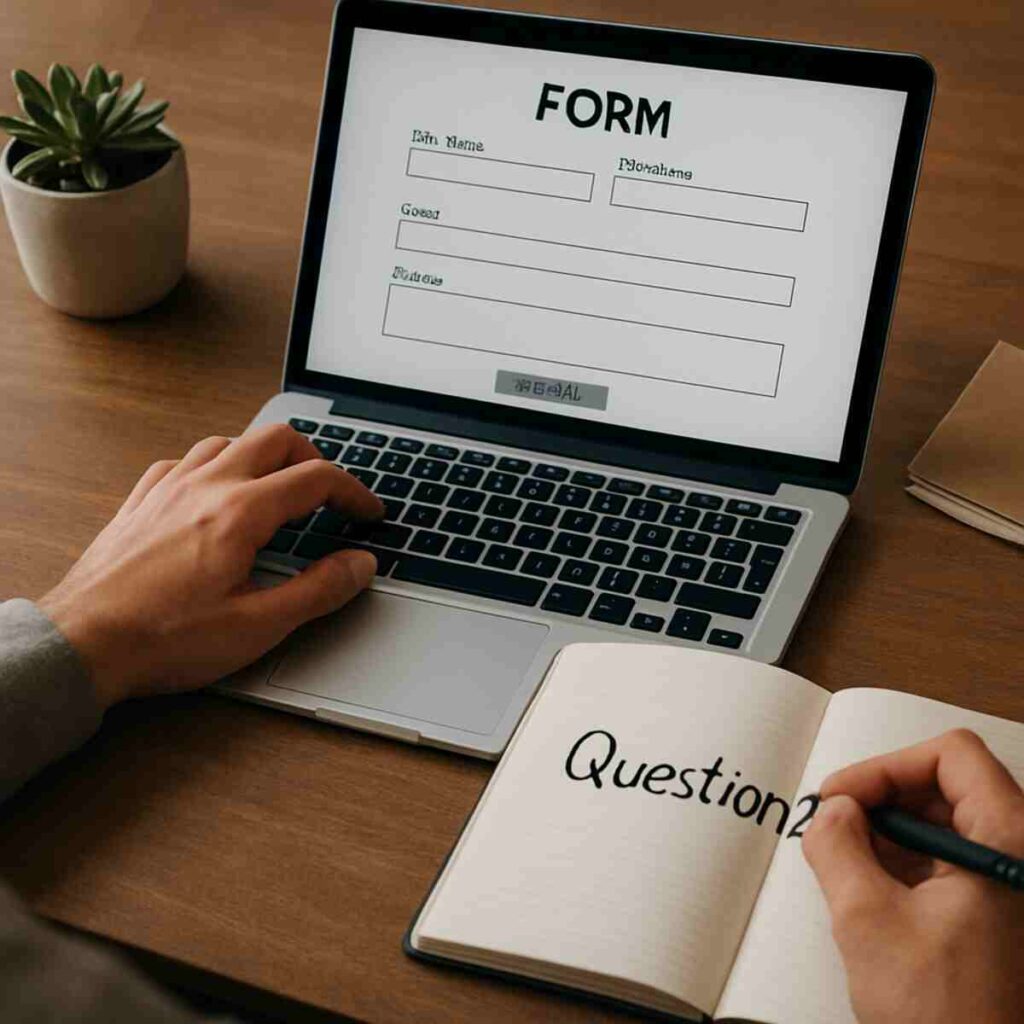
- Jot down your questions. As you fill out the form, what new questions pop into your head? Write them in a notebook to ask during the visit.
By investing this time upfront, you improve communication with your doctor and transform your appointment. Instead of spending the first ten minutes reciting your history, you can jump straight into discussing solutions. Of course, this digital preparation is only half of the equation; the most important part is still the conversation with the expert.
The Human Factor: Understanding the Limits of Any Digital Tool
While these smart forms are powerful, it’s crucial to see them for what they are: an incredible starting point, not the finish line. Think of the information you provide as a detailed map for your professional. The map is essential for planning the journey, but it isn’t the journey itself. The tool is only as good as the details you give it, and its main purpose is to make the time you spend with the expert more focused and productive. It’s a supplement to their expertise, not a replacement for it.
What a form can never capture is the distinctly human side of a conversation. It can’t see you point to the exact spot that hurts, hear the hesitation in your voice when discussing a sensitive topic, or notice the hopeful look on your face when you describe your goals. These are the limitations of digital diagnostic tools. This is why a simple AI symptom checker vs self-diagnosis often falls short; it lacks the context and intuition that a trained professional brings to the table, and can’t fully answer the question if online symptom checkers are accurate without a human in the loop.
The goal isn’t to replace the expert’s judgment—it’s to empower it. By giving them a clear, detailed picture of your situation beforehand, you allow them to skip the basic fact-finding and apply their years of experience to your specific problem from the moment you begin talking. The form handles the “what,” so the two of you can focus on the “why” and “how.”
Your Next Appointment Can Be Your Best Appointment
That online form sent before an appointment used to feel like just another task. But you now see it for what it truly is: the start of the conversation. Where you once saw a bureaucratic hurdle, you can now recognize a bridge that gets you—and your professional—straight to the heart of what matters, saving you time and frustration.
The benefits of online pre-consulting diagnostics are now clear. You’re no longer just saving a few minutes in a waiting room; you’re buying focused, high-value time with an expert who is already up to speed. This simple act is a powerful way to improve communication with your doctor or advisor, ensuring your time together is about solutions, not just background information.
Your new preparation guide is simple: the next time a “smart form” arrives in your inbox, don’t rush through it. See it as your first and most important opportunity to be heard. The more thoughtful detail you provide, the more prepared and effective your expert can be on your behalf. This is the core of any good virtual consultation preparation guide.
You are no longer a passive patient or client filling out paperwork. You are an active partner in your own success. By treating that pre-appointment check-in with care, you take control of the meeting’s outcome before you even walk through the door, transforming every future consultation into a more powerful and productive experience.
